
Find out how to easily make an extras claim with myBupa.
How to make an extras claim

What you need to make an extras claim
For extras and ambulance claims you will need a digital copy (document file, digital photo or scanned copy) of your official itemised invoice/receipt that was issued by a Bupa recognised provider.

How to make an extras claim
Sign in to myBupa
Sign in or register for myBupa.
Select a service
Choose a service type and follow the prompts.
Select a provider
Search for your provider or select from a list.
Enter treatment details
Select who the claim is for and follow the prompts.
Confirm bank details
Add or confirm your bank details.
Review and submit
Review info, read terms and conditions and submit your claim.

Want an estimate of your out-of-pocket costs first?
Check an estimate of your out-of-pocket costs online before you claim. myBupa automatically estimates a cost based on your cover, past claims and your yearly limits.
You’ll just need the item numbers for your treatment (obtained through your provider) as well as the provider’s name and number.
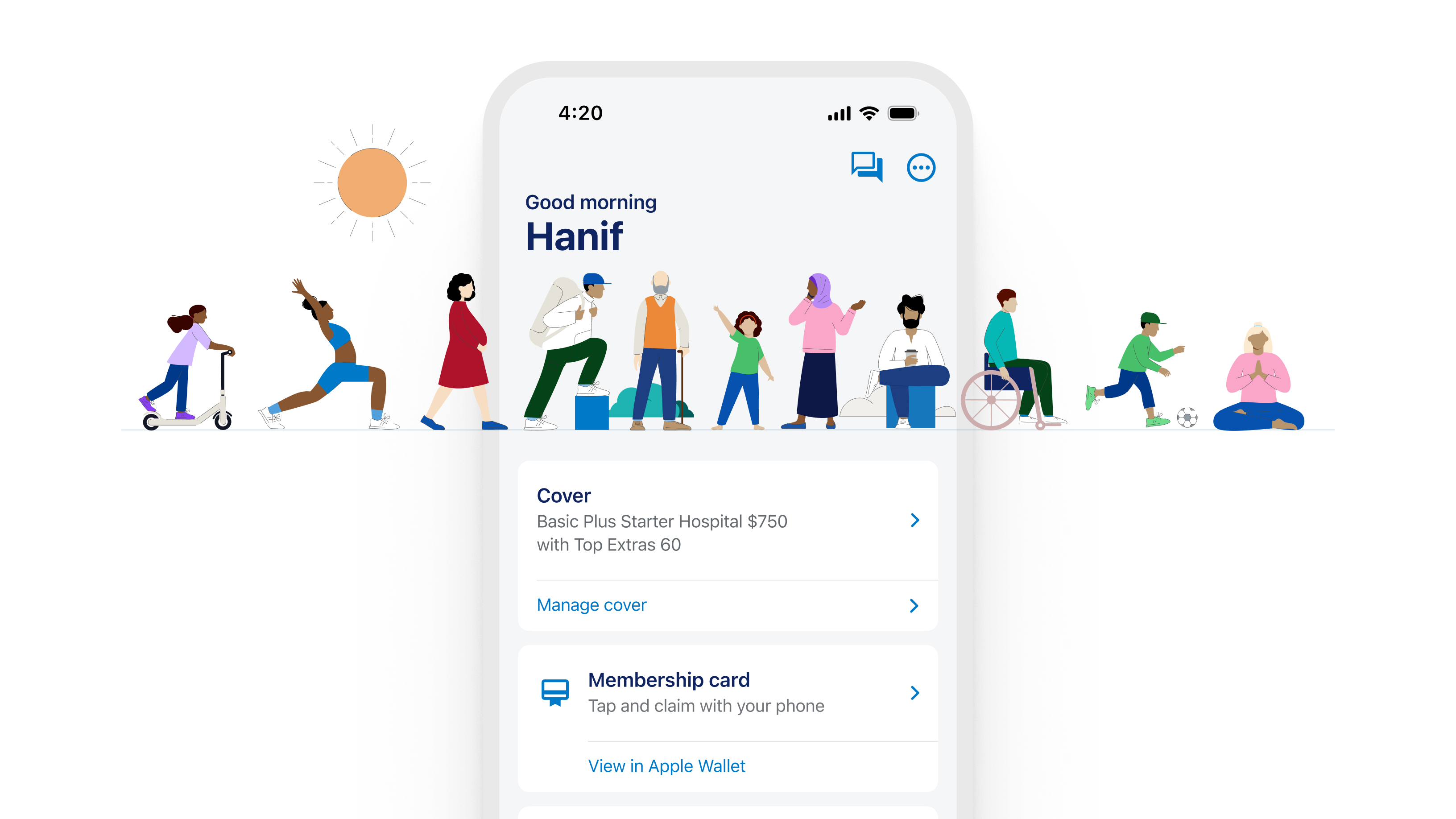
Download the myBupa app
The fast way to stay on top of all your claims, payments, and health cover.


Want to know your limits?
For most extras services, you can view your remaining limits by signing in to myBupa. You won’t be able to see your limits for health aids and appliances, health management, home nursing, or travel and accommodation. There’s a few different types of limits that apply to extras, and it’s worth understanding what they all mean.
See types of limits below.
Types of limits
This is the maximum amount you can claim for a service over a calendar year (1 January to 31 December). If you haven't claimed up to your yearly limit, this doesn't "roll over" to the next year – it resets on 1 January. This is the default type of limit and applies to most services unless specified.
You can think of this as a limit within a limit that applies to specific services within an extras category. For example, remedial massage is a specific service in the natural therapies category that has a sub-limit; once you reach that sub-limit you'll still be able to claim for other natural therapies, but you won't be able to claim remedial massage benefits again until your limits reset on 1 January.
This is the maximum amount each person on your membership can claim in a calendar year.
This is the maximum combined amount everyone on your membership can claim in a calendar year for a particular service. These apply in combination with individual per-person limits. This means that when the membership limit is reached, nobody on the membership can make any further claims for that service until limits reset on 1 January.
The limits of some services are grouped together, depending on your policy. If you use up the limit on one service, you won't be able to claim for any other services that are within the group until your limits reset on 1 January. An example is a grouped limit for chiropractic and osteopathy; on some covers the benefits you claim for chiropractic also affects your limits for osteopathy.
This is the maximum amount an individual can claim for orthodontic treatment over the lifetime of their policy. This limit stays with you, even if you leave Bupa and start your cover again. Lifetime limits are industry standard for health insurers and apply because orthodontic treatment should only be needed once for an individual.
Quick answers to common questions
This means that your policy isn’t paid up to the date of the service you’re claiming for. You can make a payment in myBupa.
You can only view claims information for other people on the policy if you’re the policy holder and they’ve given consent for you to do so. Customers 15 years and older can manage their own claims authority preferences on myBupa.
Contact us if you need more help with claiming or providing authority to share your claim details with the policy holder.
Find out how to fix sign in issues on our troubleshooting page.
Help and support
Save time with myBupa
To save you time, there are plenty of things you can do using your myBupa account.
Get in touch
Have a question? Choose from one of the many ways to contact us.